Planner views
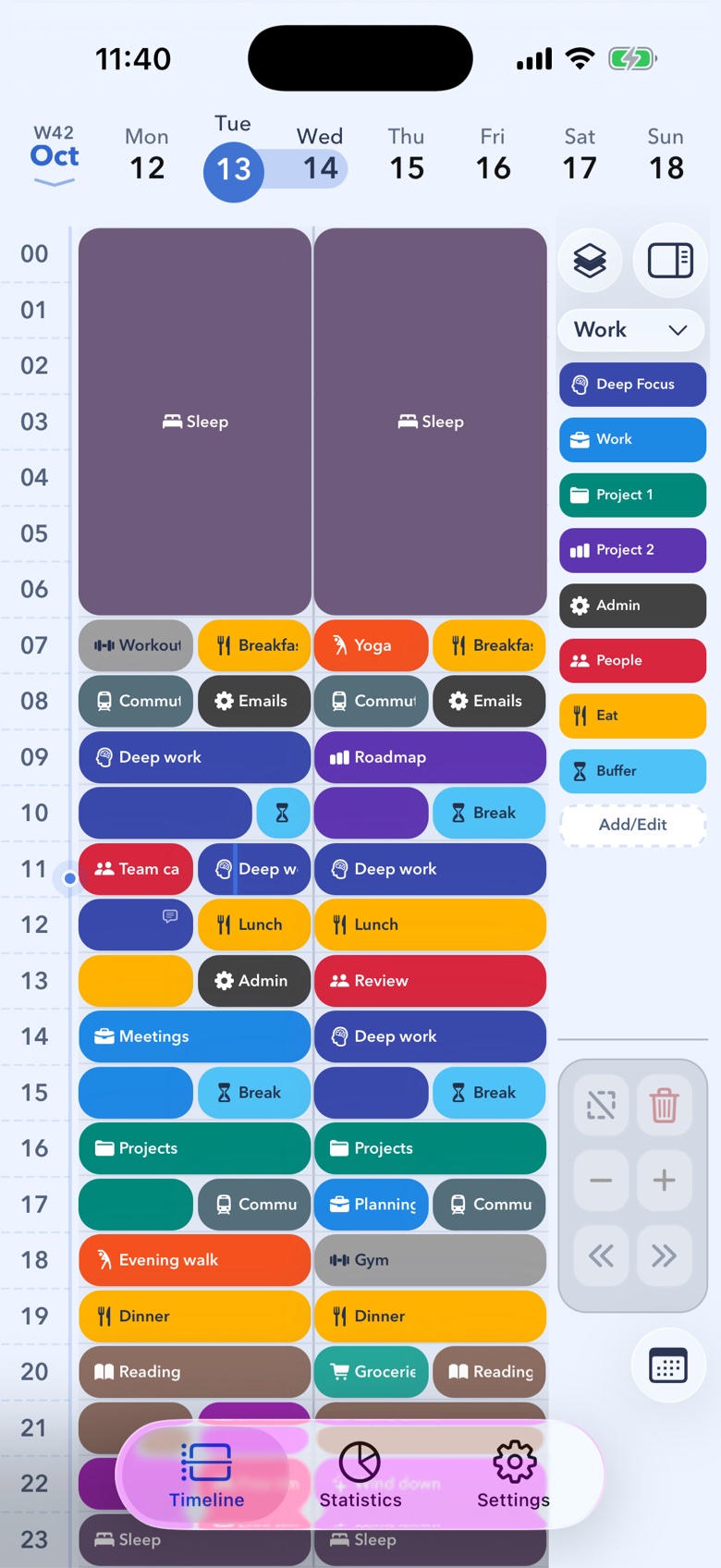
See your whole day, your way
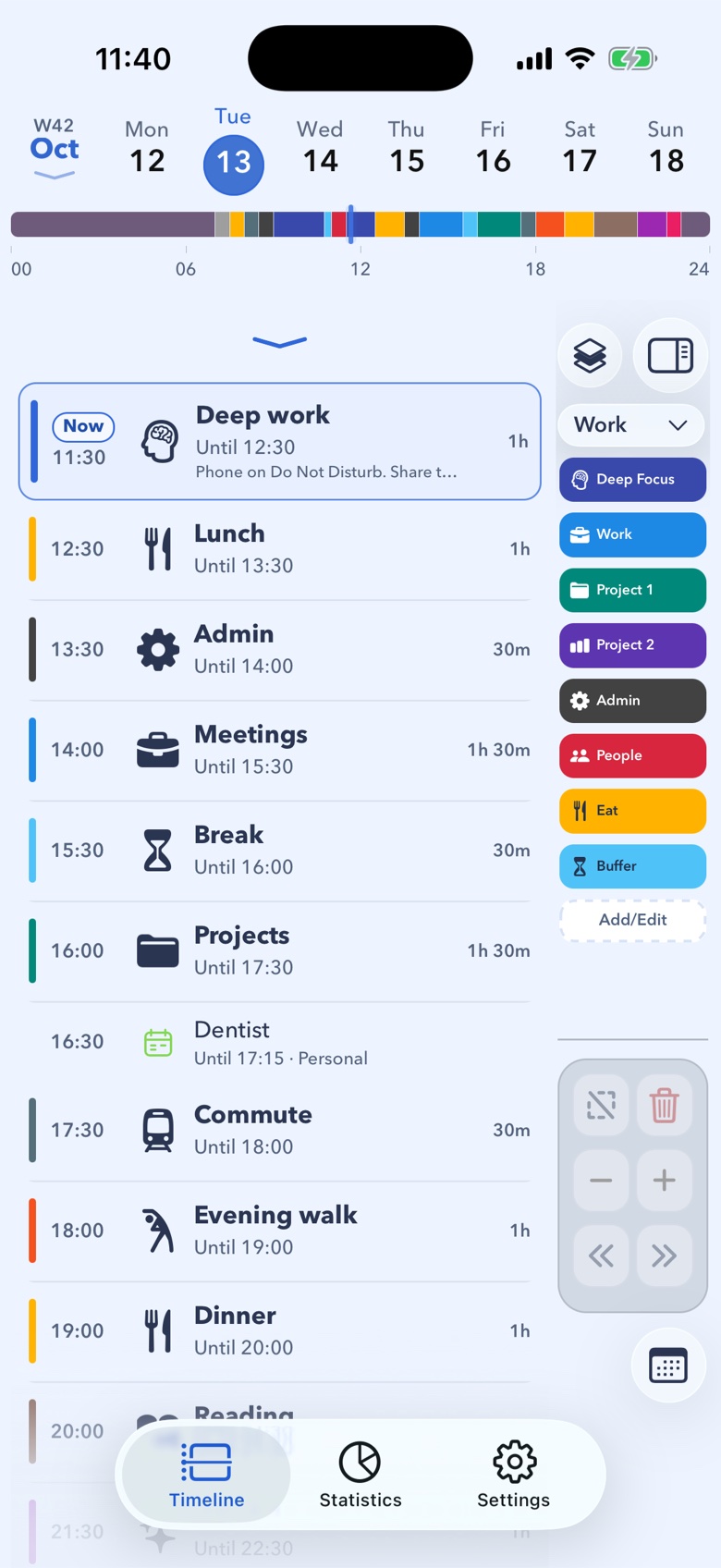
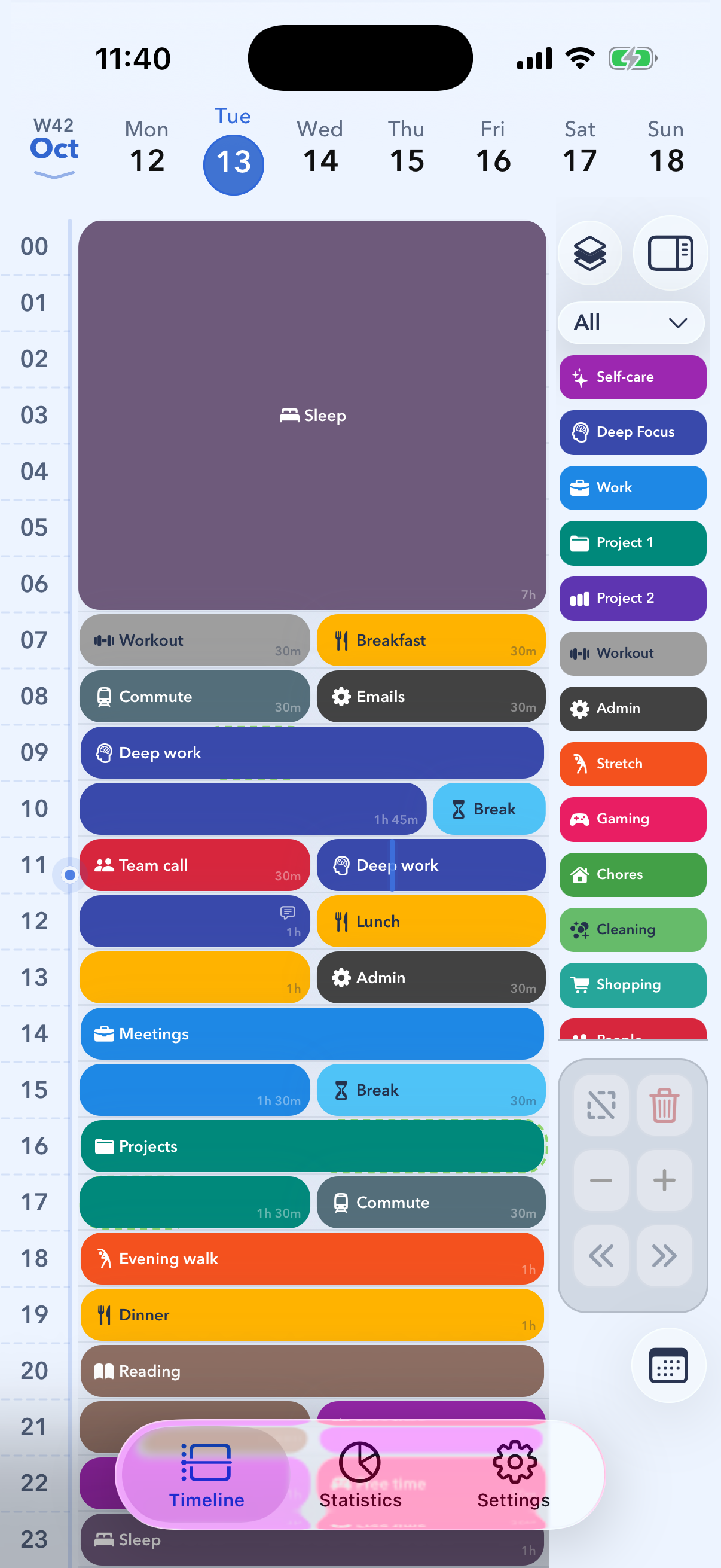
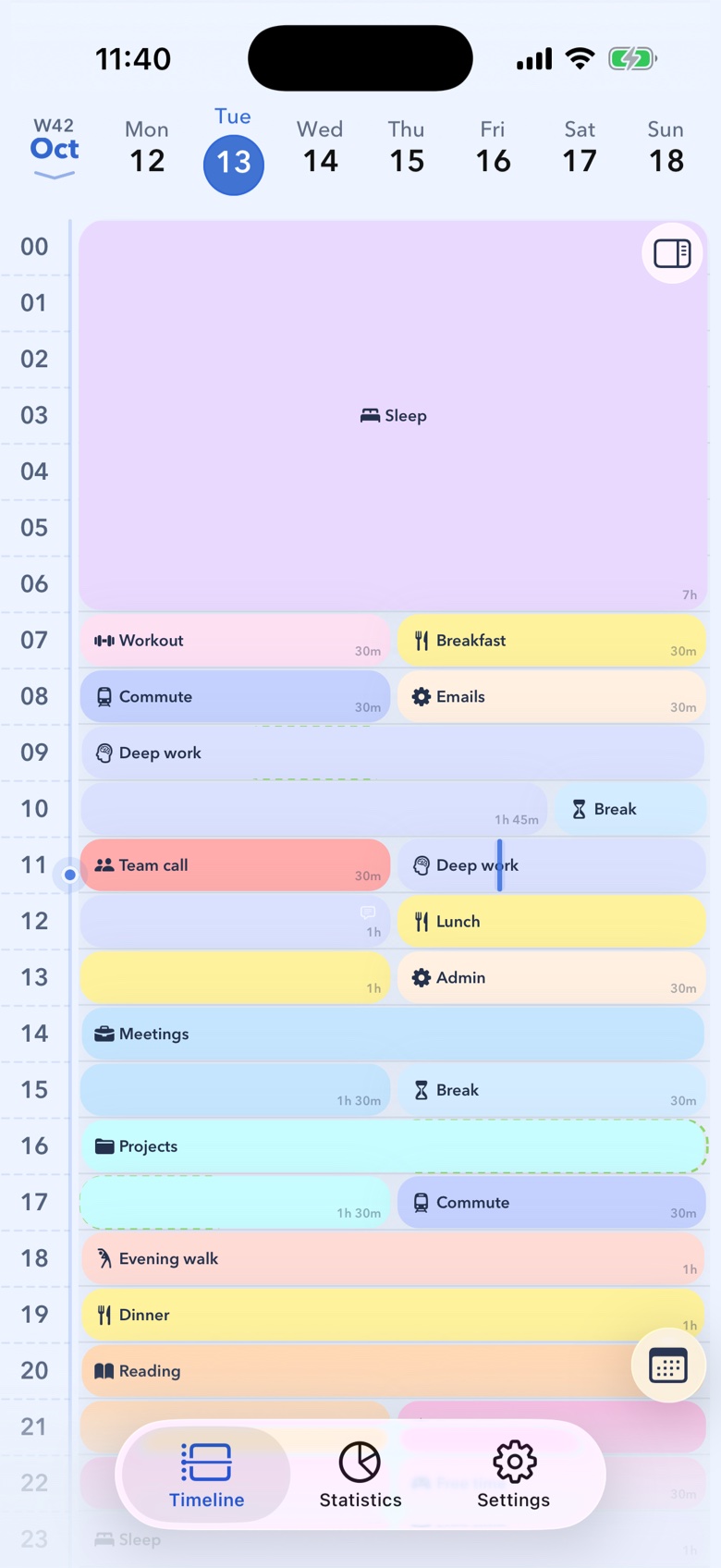
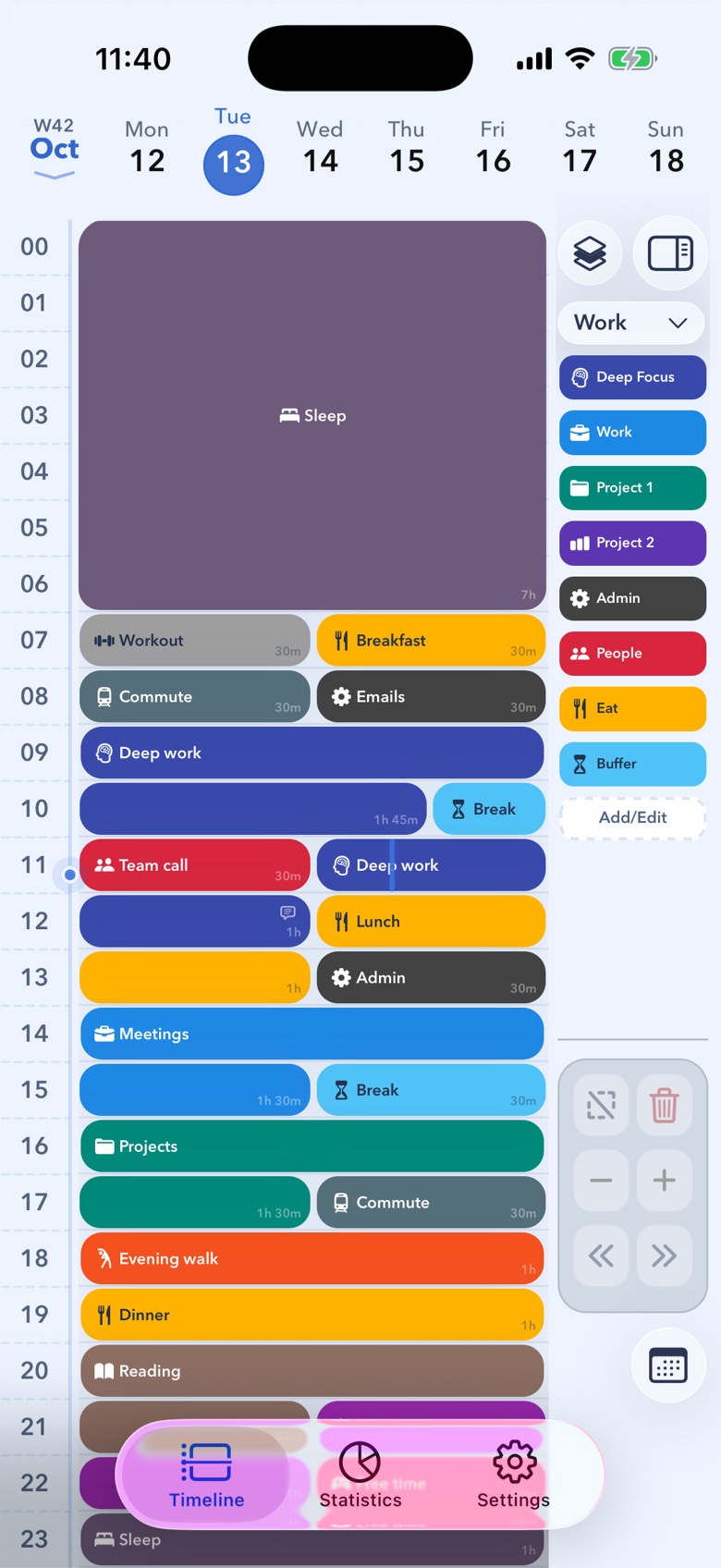
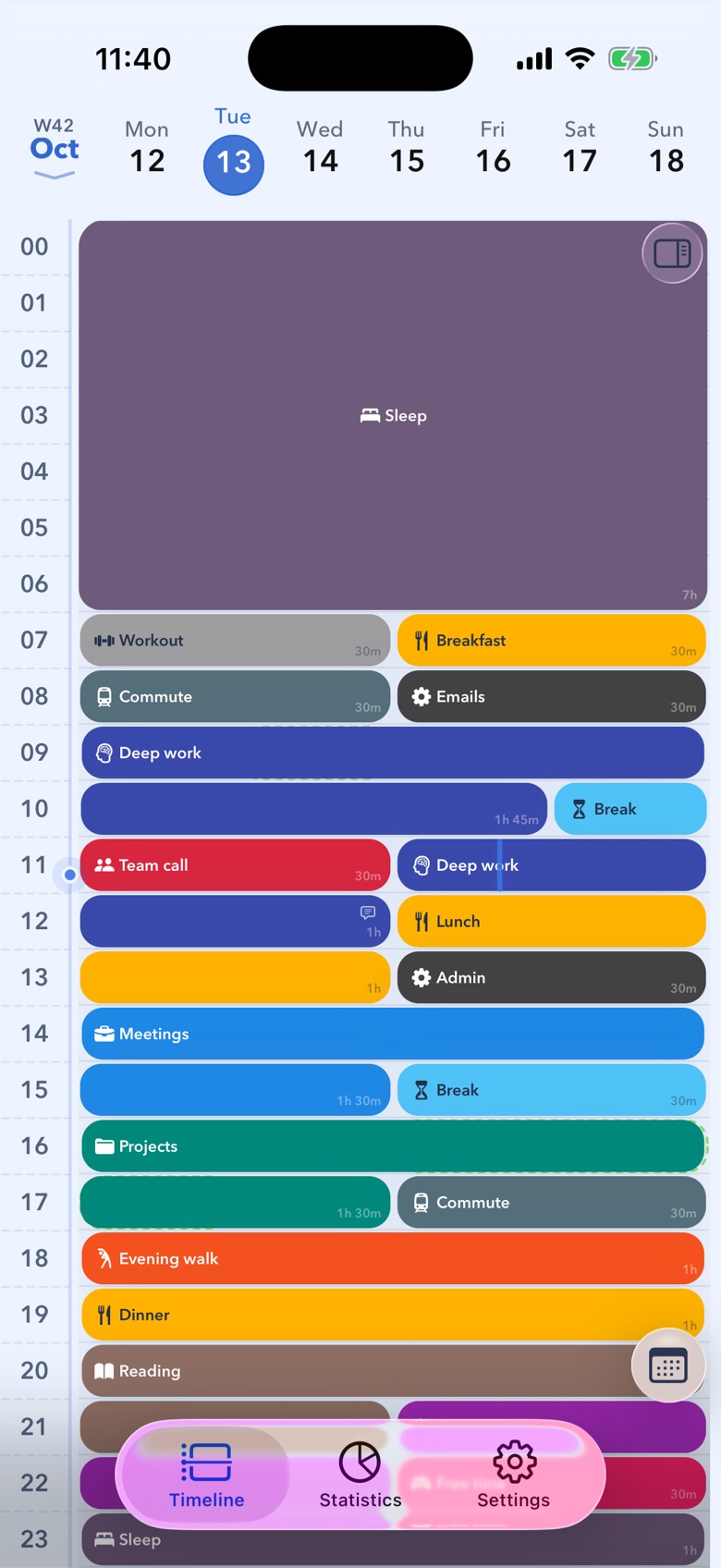
Switch between day, two-day and schedule views, and scroll continuously through dates as you plan.
- Day, 2-day & schedule views
- Continuous date scrolling
- Drag, drop, and resize blocks
Features
Planner-first simplicity, flexible customisation, and a cleaner way to organise your time.
Planner views
Switch between day, two-day and schedule views, and scroll continuously through dates as you plan.
Block sets
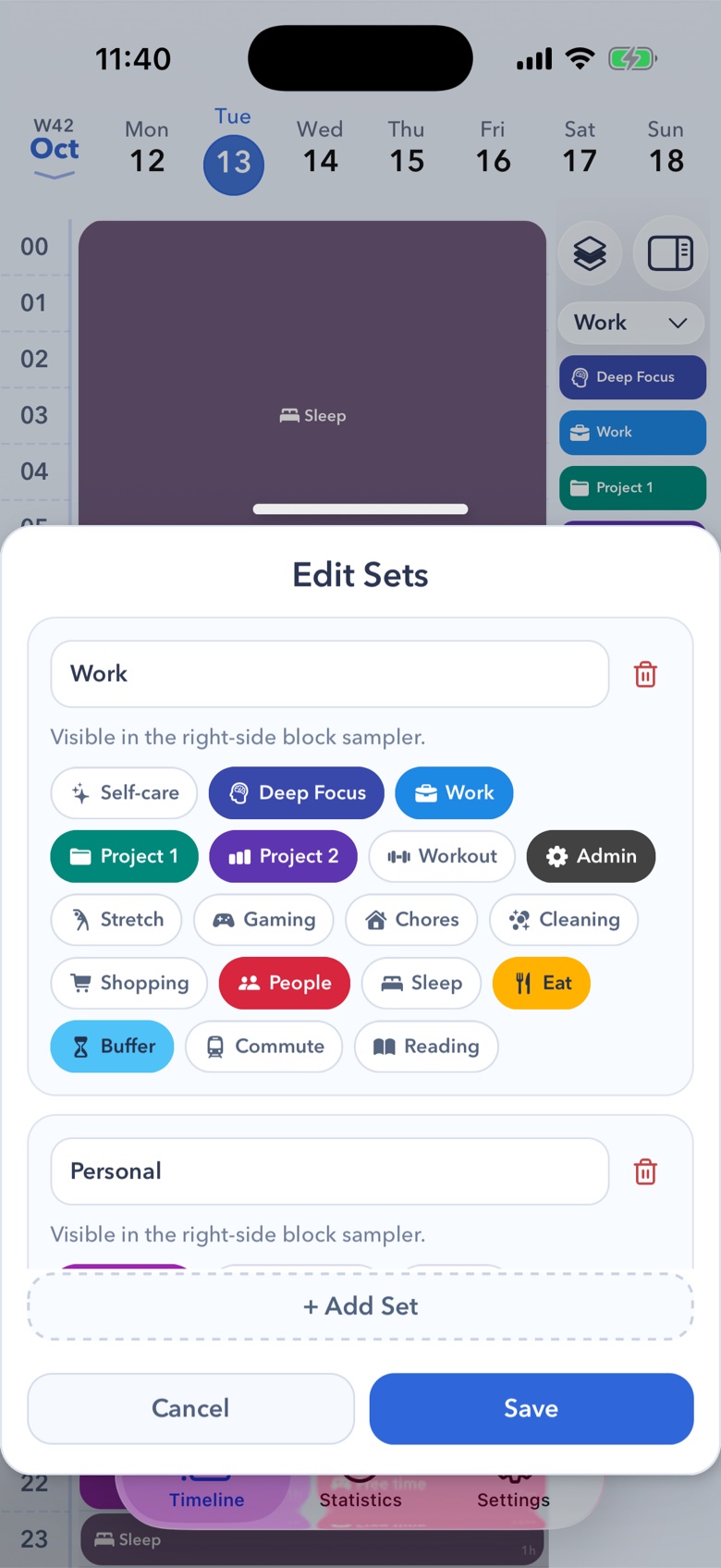
Group your blocks into sets that fit how you plan, then drag them straight onto your day. Every block is yours to customise, with its own name, colour and emoji or icon.
Block details
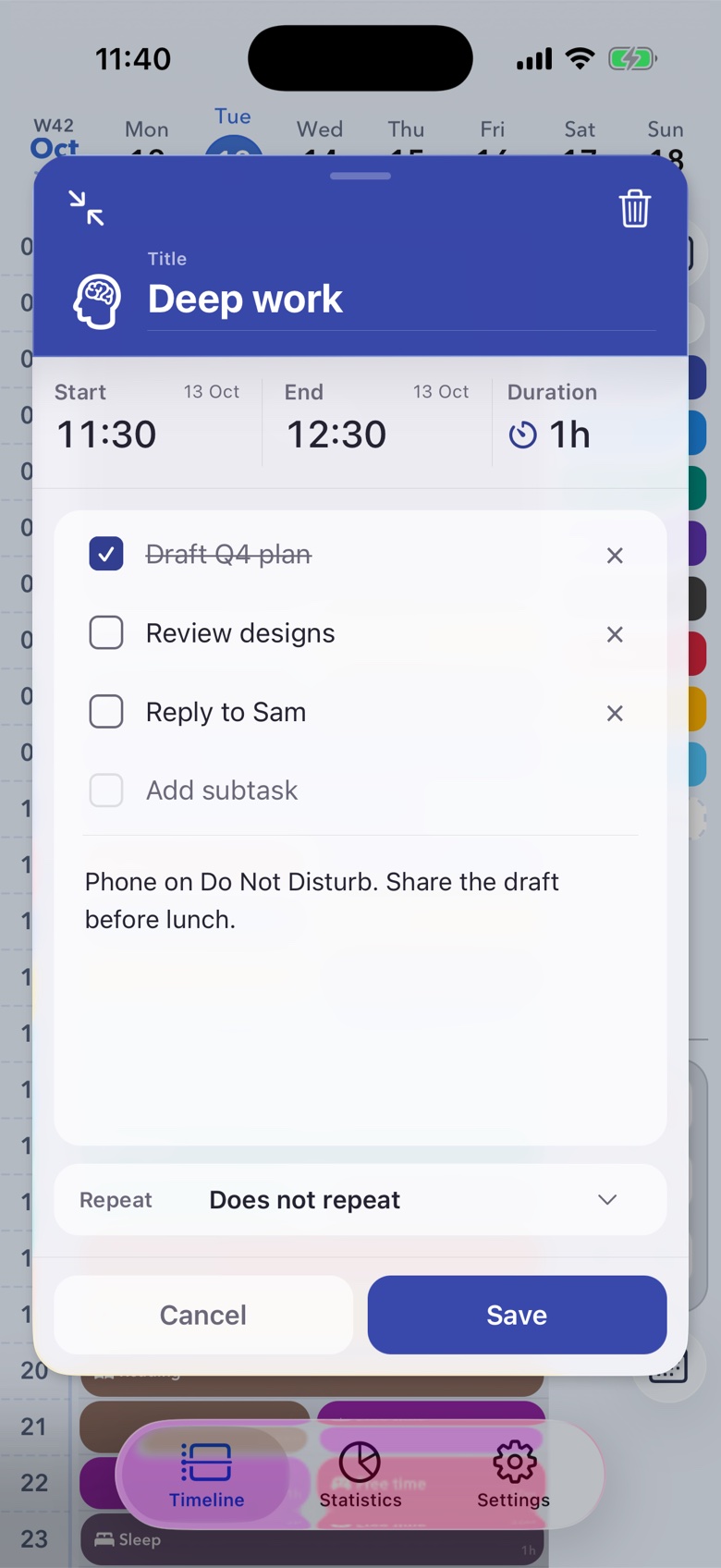
Open any block to set exact times, tick off subtasks and keep a note with it. Set it to repeat and it shows up on the days you choose.
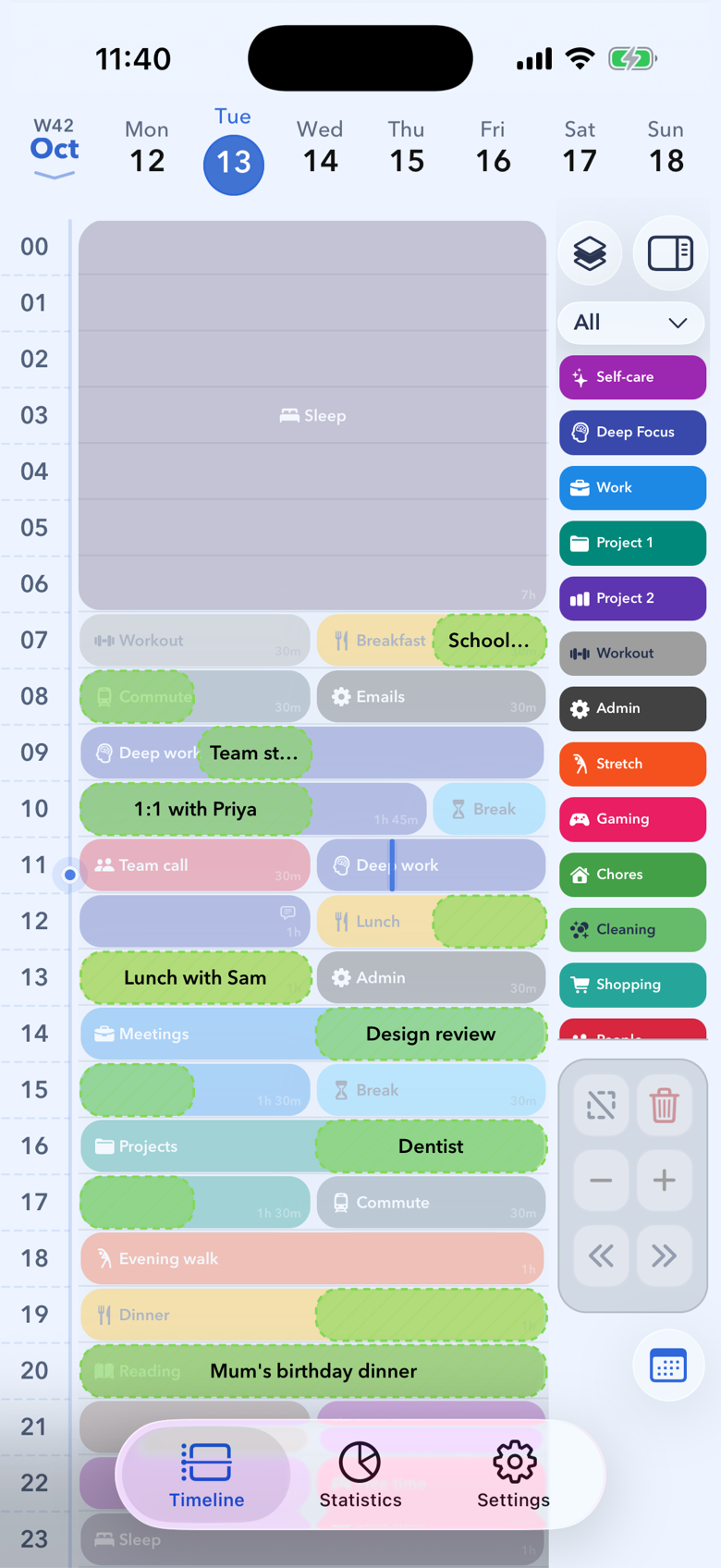
Calendar
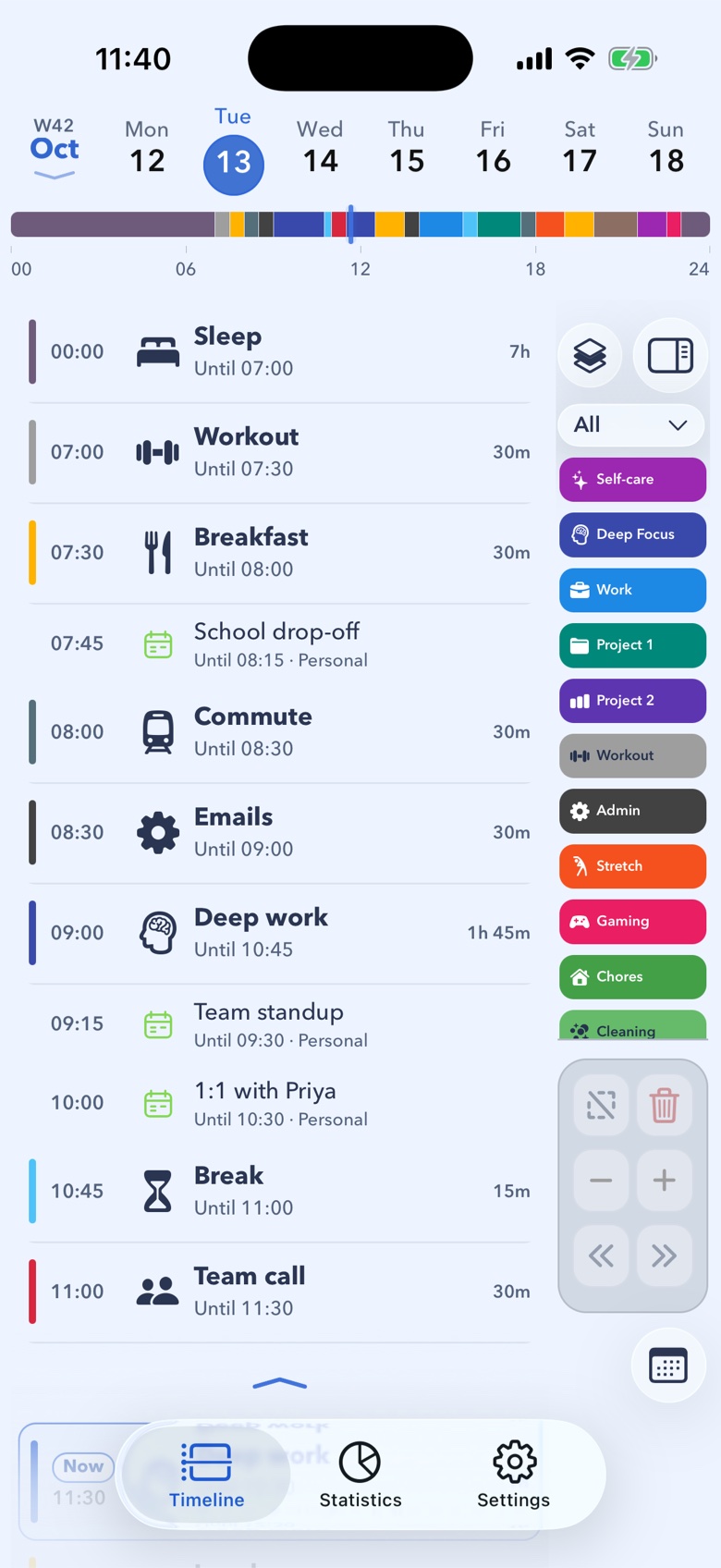
Connect the calendars already on your iPhone and their events appear read-only next to your blocks, so meetings and plans live in one view. Press and hold the calendar button to bring your events to the front of the timeline.
On the go
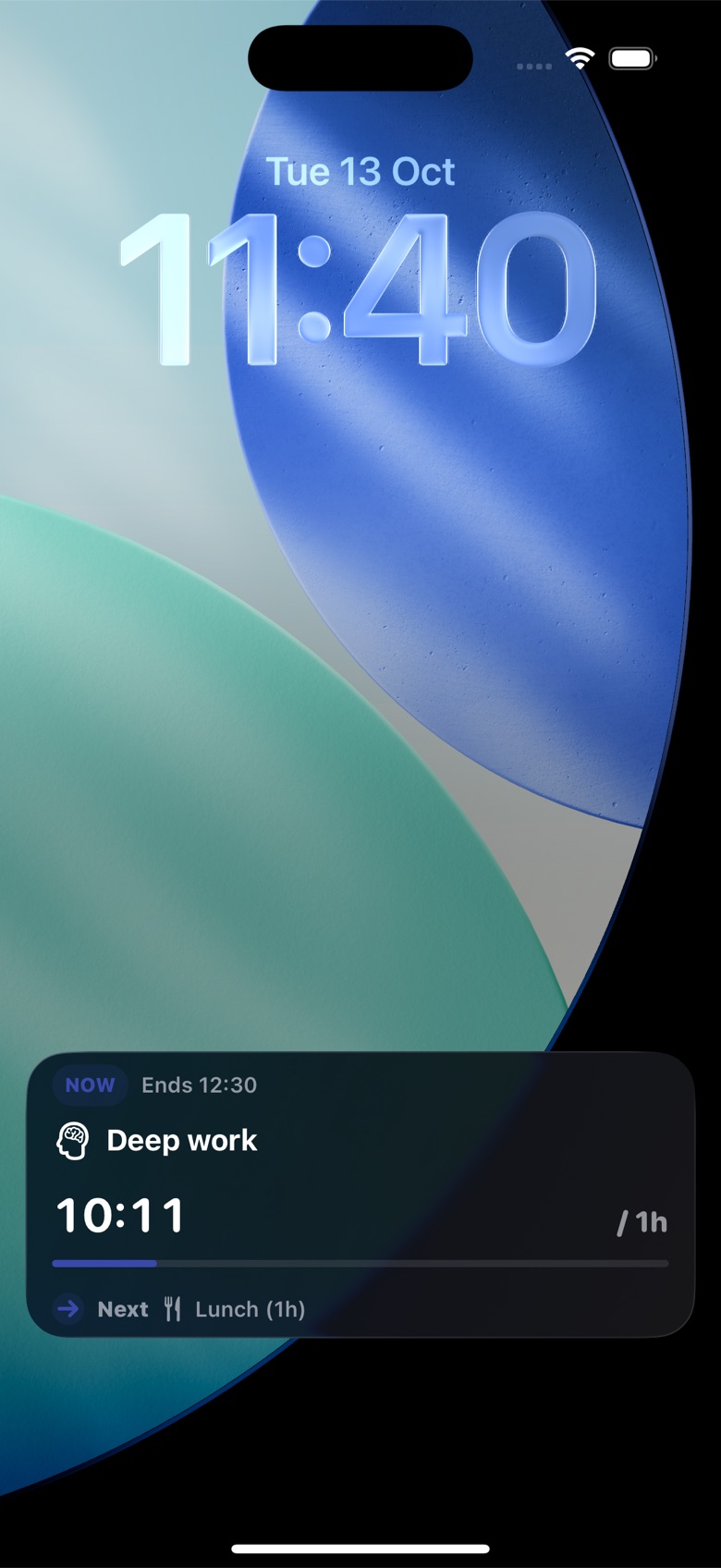
On supported iPhones, a Live Activity shows your current block and what’s coming up next, right on your Lock Screen.
Insights
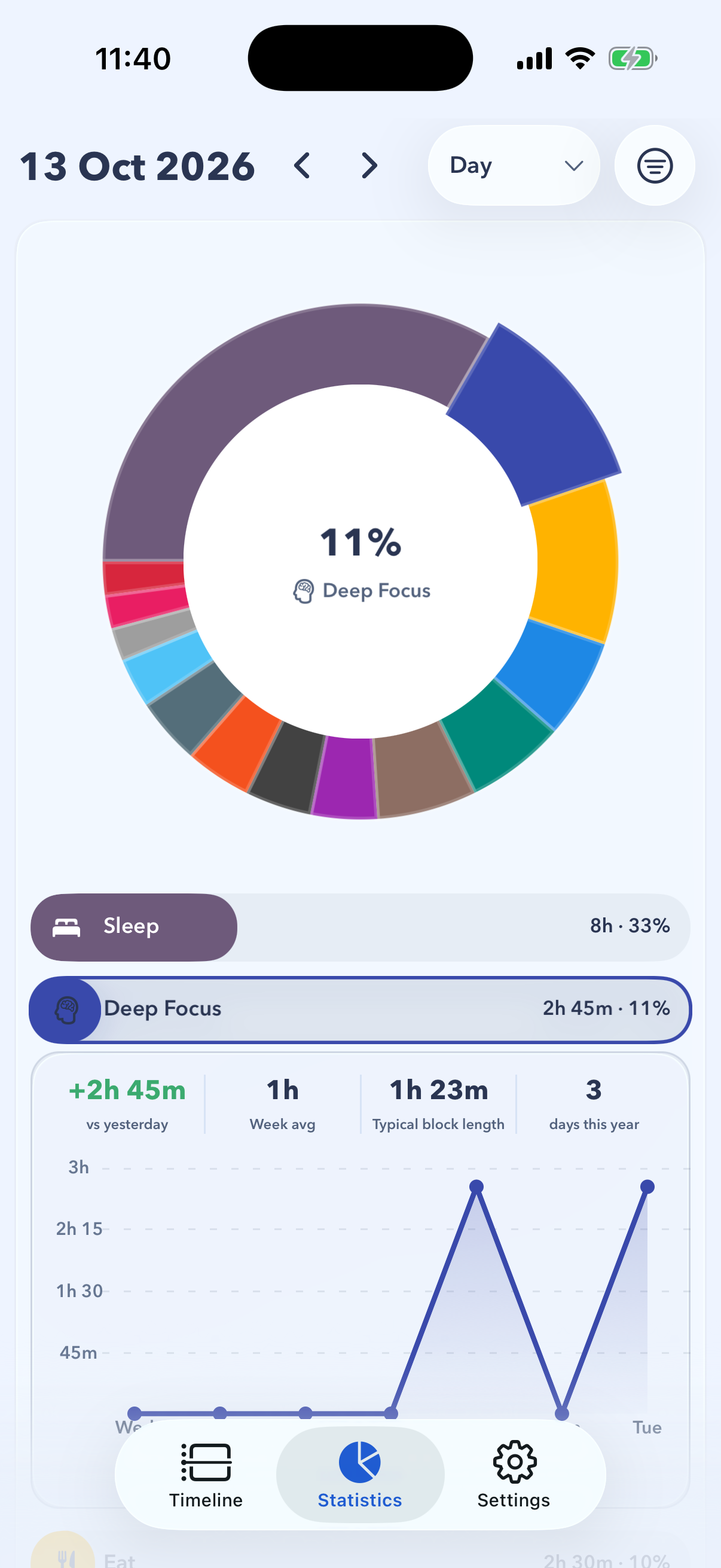
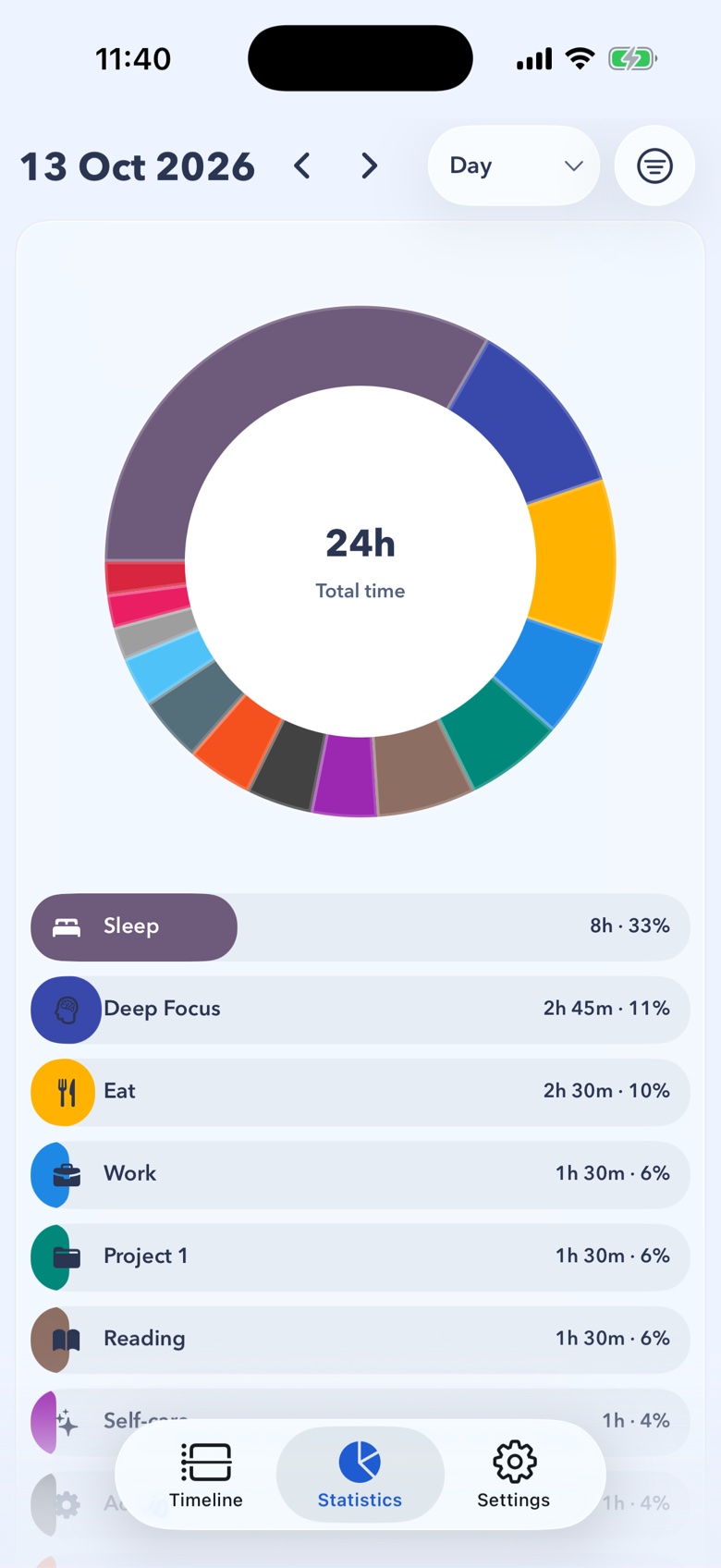
See where your time goes by day, week, month and year. Tap a category for its trends and a chart of your week.
Your look
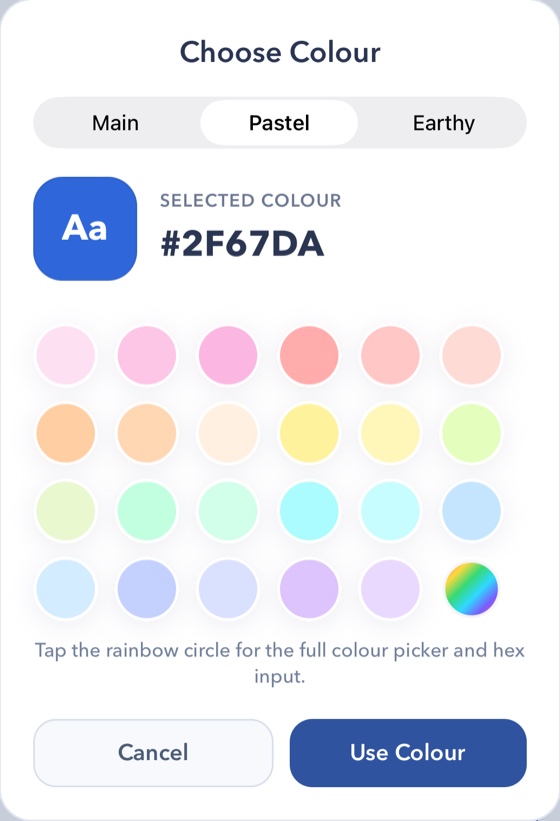
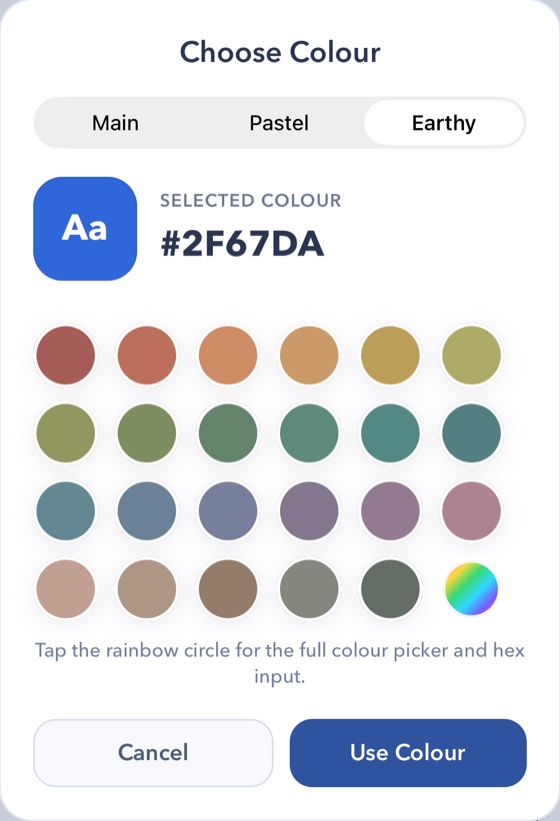
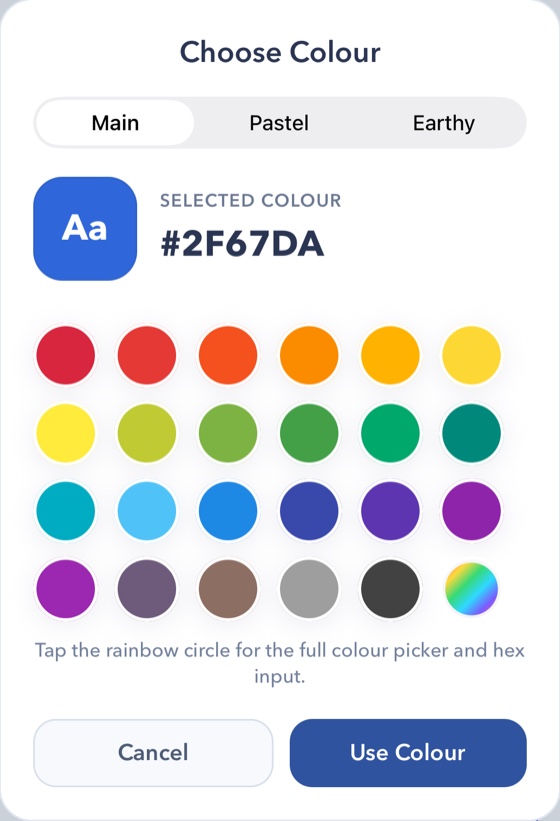
Pick from the Main, Pastel or Earthy palettes, or any shade in the full picker.
Your look
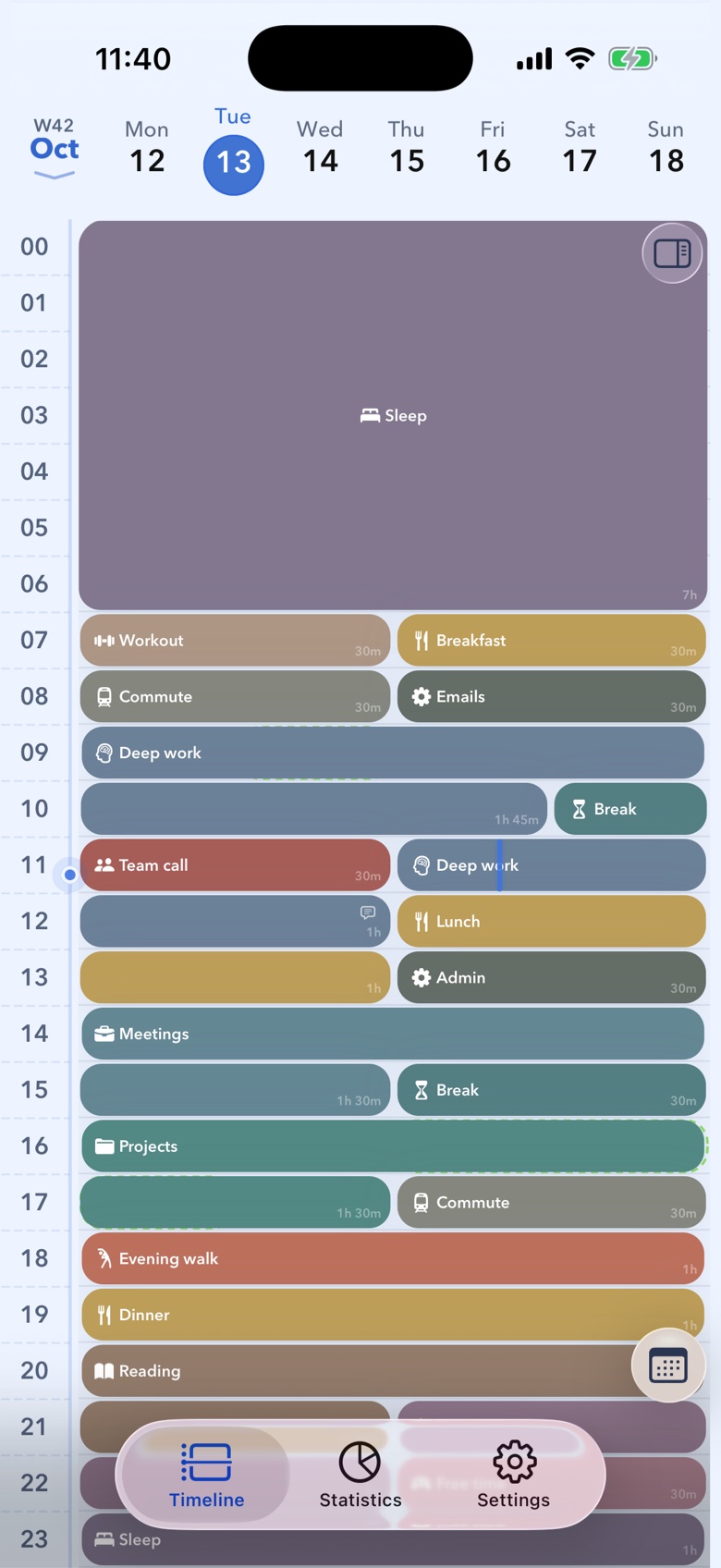
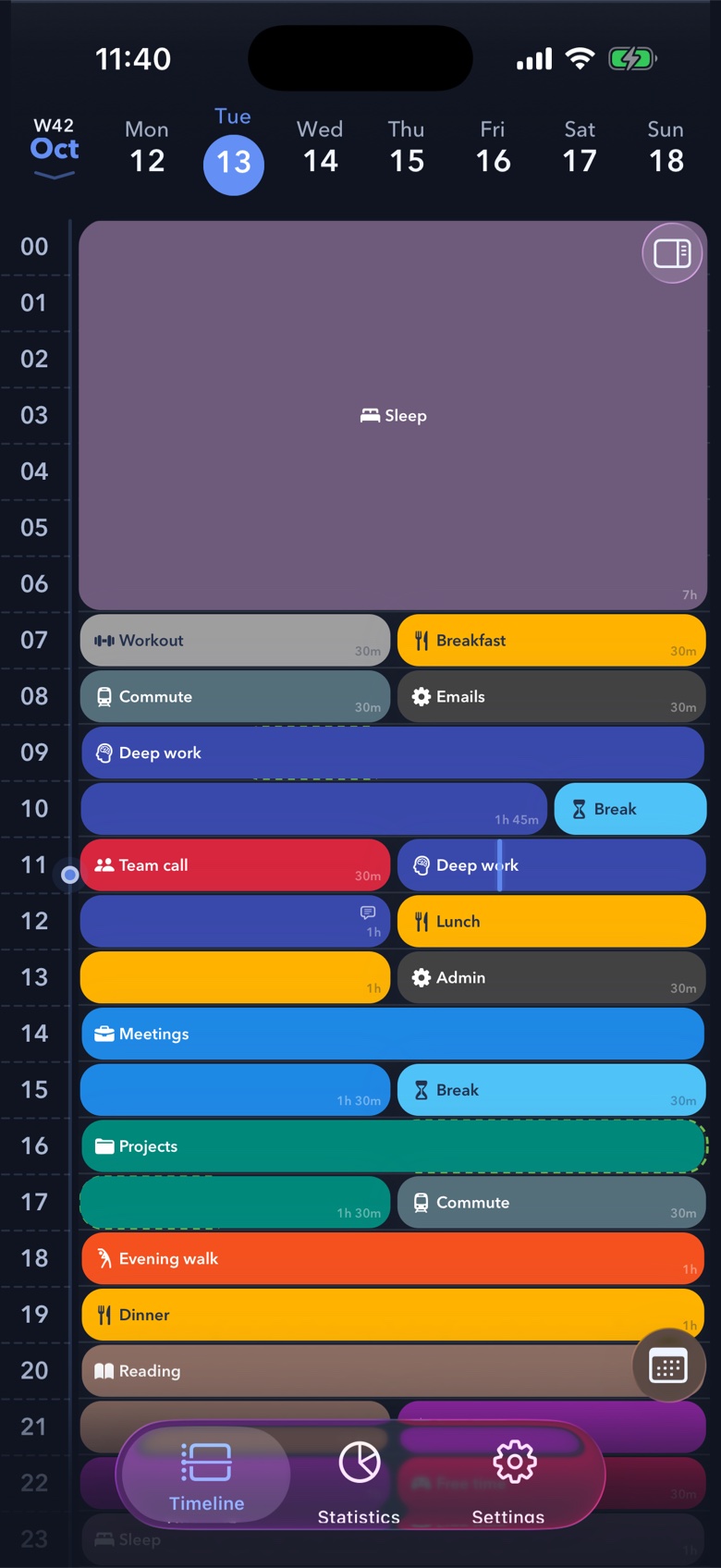
Pick the theme that suits you. Dark mode keeps your block colours, so your day looks the same at night.
Your look
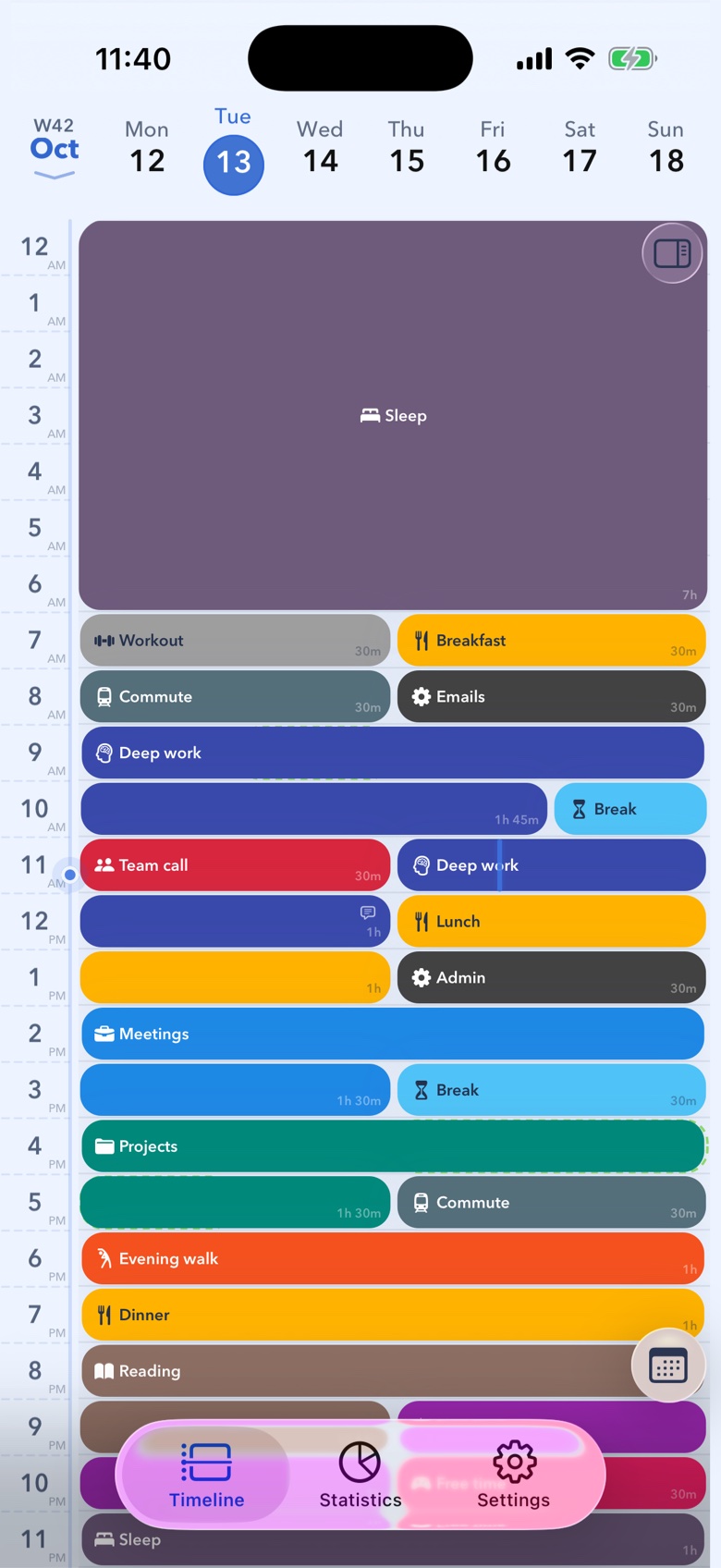
Read times the way you are used to. Switch between a 24-hour clock and AM/PM in Settings and the whole timeline follows.
Download 24 Block free from the App Store and start planning your day one block at a time.

Requires iOS 16.4 or later.